
By Max Milano (Tech Writer)
Most B2B SaaS startups don’t fail because they lack digital marketing tools. They fail because they build a digital marketing tech stack the way a nervous intern assembles IKEA furniture; by grabbing the most promising-looking piece first, ignoring the instructions, and then wondering why it wobbles. The tools aren’t the problem; the architecture is.
A SaaS founder we worked with recently had, on paper, everything in place: HubSpot for his CRM, Google Ads running, SEO content being produced on a schedule someone had built in Notion, which felt very professional. They had GA4 installed, their Google Search Console connected, and analytics dashboards on multiple screens, all glowing with numbers that presumably meant something to someone. From the outside, it looked like a modern, high-performing digital marketing tech stack for a B2B SaaS startup, but inside, it was a disconnected mess. Their CAC was rising every month without a satisfactory explanation, and when one tried to do a deep dive into the why, the numbers didn’t provide the right answers because their tracking wasn’t working properly. Their digital marketing channels weren’t compounding because their attribution was, to use a technical term, a complete mess.
So they did what most startups do at this point: they added more digital marketing tools, hired another agency, and increased ad spend. These are the three stages of SaaS marketing grief: denial, spending, and more spending. Nothing changed because the problem was never execution. It was their system, or rather, the absence of one.
How We Fixed One SaaS Startup’s Digital Marketing Tech Stack Without Adding To It
Another SaaS startup came to us with GA4 installed but misconfigured, Google Ads running with no offline conversion data flowing back from HubSpot, Meta Ads operating with a browser-only pixel that was losing roughly 45% of conversions to iOS attribution gaps, and a LinkedIn campaign targeting so broadly it was essentially a brand awareness campaign dressed up as demand generation. Their CAC had been climbing for eight months. Nobody could explain why because the data from each platform told a different story.
We didn’t add any new tools; we didn’t have to. Instead, we fixed what was already there. We rebuilt their GTM container, implemented server-side tracking for Meta and Google Ads, connected HubSpot to carry sales attribution through to closed deals, and configured Search Console properly so their organic performance was visible alongside everything else. Within weeks, we lowered their CAC, and their sales pipeline became predictable. Their marketing sales stack didn’t get bigger; it got coherent.

The Hard Truth About Building A Digital Marketing Tech Stack For Your B2B SaaS Startup.
If your digital marketing tech stack is just a collection of tools assembled over time based on what sounded good at various times, you don’t have a digital marketing strategy – you have noise, wrapped in SaaS subscriptions, all dressed up in a very messy dashboard. A real startup digital marketing strategy isn’t about which tools to use, or how many channels you run, or even how much you need to spend (all of which are things that are very easy to spend a lot of money on without anything improving). Building a digital marketing tech stack that really works for your B2B SaaS startup is about how everything connects together and how data flows between systems.
Your digital marketing tech stack should not just support your digital marketing; it needs to create leverage, meaning the effort you put in compounds over time rather than evaporating at the end of each quarter, like a sandcastle at high tide.
Why Most SaaS Digital Marketing Stacks Don’t Scale
There are several failure modes that recur with depressing regularity across virtually every early-stage SaaS company. The first is tool-first thinking: we need SEO, so we install Google Search Console; we need paid ads, so we launch Google Ads and Meta Ads; we need a CRM, so we buy HubSpot. Each decision is defensible in isolation, but together they form a stack with no internal coherence. It’s like a sports team assembled by drafting the statistically best player at every position without checking whether any of them can play well with the rest of the team.
The second failure mode is operating without a clear growth model. Before you touch a single platform, you need to answer a question that is uncomfortable in its simplicity: where does your growth actually come from? Without an answer to this question, your stack becomes reactive.
The third is fragmented data. Your attribution data lives in Google Ads, your organic performance lives in Search Console, your pipeline lives in HubSpot, and your website behavior lives in GA4, but none of these tools are talking to each other in a way that helps form a unified picture of what’s going on in your sales funnel. You cannot optimize what you cannot see clearly, and right now you’re squinting at four separate keyholes trying to describe one room.
What a Scalable Digital Marketing Tech Stack Should Look Like
A scalable digital marketing tech stack for your SaaS startup is not about complexity. It’s about having the proper architecture. Think of it in five distinct layers, each building on the previous one, and each one mapped to the specific tools that do that job best today.
The foundation is data and tracking, and if this layer is broken, everything above it is unreliable. The acquisition layer is where you generate demand through SEO, paid media, and social media. The conversion layer is where potential customers’ attention becomes leads and, therefore, part of your sales pipeline. The nurture and retention layer is where these leads become customers, and customers mean revenue. Lastly, you have the intelligence layer, where you figure out what’s working well to double down on it, and what isn’t working well and needs to be paused or eliminated.
Let’s explore how each tool in your digital marketing tech stack maps to each layer and, critically, how to set them up so they actually talk to one another to deliver the big picture.
The Tracking Foundation: How To Set It Up Right
This is the section most startups skip because it’s less exciting than focusing on ad strategy. It is also the reason why most PPC ad strategies fail. Get this layer wrong, and every downstream decision will be wrong. Your digital marketing tech stack lives on data, and setting up tracking correctly is the only way to deliver clean, actionable data you can trust and use to inform your decisions.
Google Tag Manager
Here’s where this all starts, so it should be the first thing you install. GTM is the control center that sits between your website and every other tool in your stack. So instead of adding tracking snippets directly to your website’s code, which can create an IT bottleneck, you route all your tracking through Google Tag Manager. This means that your GA4 tag lives in Google Tag Manager. Your Google Ads conversion tags also live in GTM, as does your Meta pixel and your LinkedIn Insight Tag. One container to rule them all! If something breaks or needs updating, you fix it in one place. When you add a new tool, you deploy it without bothering your IT team, making you their favorite person.
Google Analytics 4
This is your behavioral analytics layer, i.e., what people actually do on your site, where they drop off, which pages are driving conversions, and what your traffic sources are. An important GA4 setup that startups often skip: properly configure your key events (demo requests, trial signups, form submissions, paid sales, etc.). It’s imperative to set up conversion tracking for all your primary funnel actions in GA4 and then to connect GA4 to Google Search Console so that your organic traffic data from Search Console (GSC only tracks organic traffic) and your behavioral data from GA4 can live in the same interface. GA4’s reporting is powerful once you understand it and genuinely confusing until you do, so invest time in the setup rather than assuming the defaults will tell you anything useful.
Google Search Console
This is your SEO intelligence tool, a direct line to data that tells you how Google sees your website. It tells you which queries your pages are ranking for, what your click-through rates look like, where you’re sitting on page one versus page two (the graveyard), and which pages have indexing or crawl issues that are silently costing you traffic. Connect it to GA4. Check it weekly, and when a page’s impressions climb without clicks rising proportionally, that’s a title tag problem; when a page’s ranking drops suddenly, that’s a signal worth investigating before it becomes a CAC problem.
Server-Side Tracking
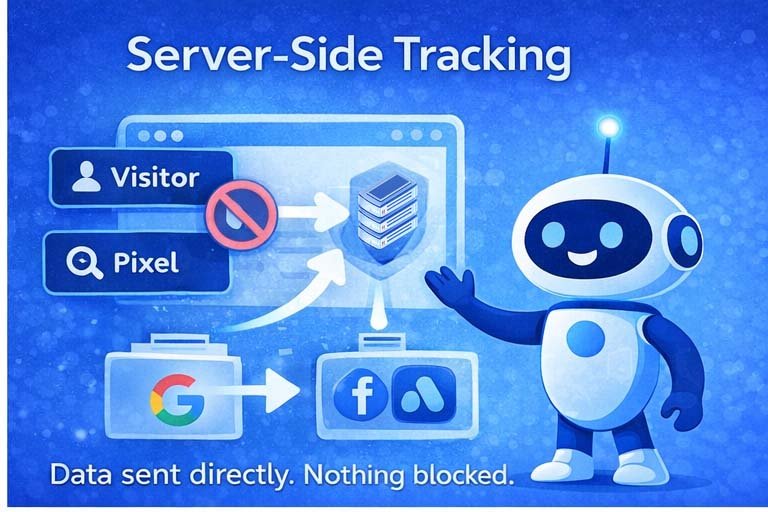
This is the tracking upgrade that most startups delay and almost all of them eventually regret delaying. Standard browser-side tracking, i.e., pixels and tags firing from the user’s browser, is increasingly compromised by ad blockers, iOS privacy changes, and browser restrictions that are only getting stricter. Server-side tracking moves customer data collection to your own server before it sends signals to Google Ads, Meta, and LinkedIn. The result is more complete conversion data, better audience matching, and attribution that actually reflects reality rather than an increasingly censored version of it. For a SaaS company spending meaningfully on paid PPC ads, server-side tracking is no longer optional infrastructure; it’s the difference between optimization and guesswork.
HubSpot
This is your CRM, i.e., the system of record for everything that happens after someone raises their hand on your website. Every lead that comes in, whether from organic, Google Ads, Meta Ads, or LinkedIn Ads, should land in HubSpot with its source attribution attached. This is the integration most teams set up lazily and regret thoroughly. Do it properly: connect your form submissions to HubSpot contact creation, set up lifecycle stages that reflect your actual sales process, and use HubSpot’s UTM capture to carry channel attribution from first touch through to your closed deals. When your CRM knows which channels produced your best customers (not just your most leads), you have an optimization advantage that no single-channel dashboard can provide.
Google Ads
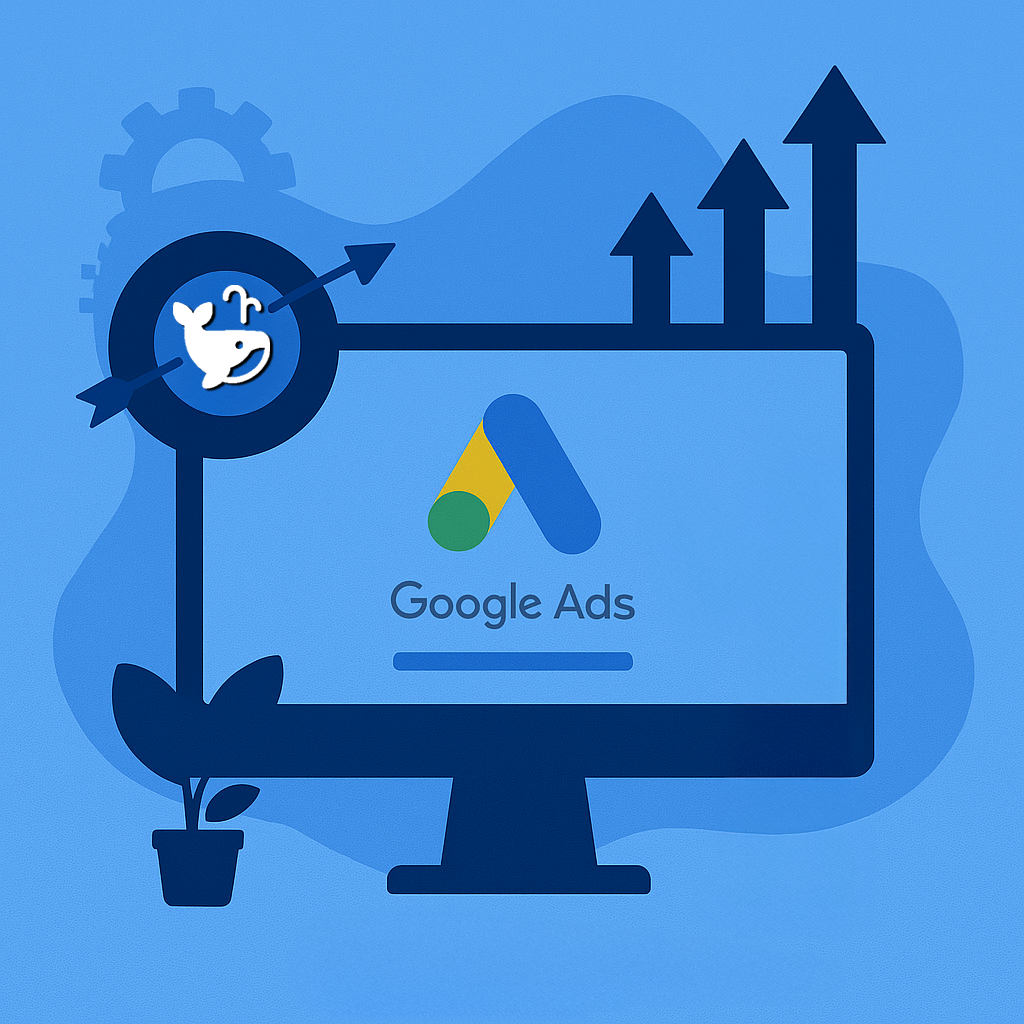
This is your intent-capture channel, the place where you get in front of people who are actively searching for what you offer. The critical Google Ads integration most startups skip is feeding offline paid conversions back into Google Ads from HubSpot, so the Google Ads algorithm optimizes for actual pipeline and revenue rather than form fills and tire-kickers that may or may not turn into anything. Enhanced conversions should be enabled, conversion-based bidding should be the target once you have enough data, and your negative keyword list should be longer than you think it needs to be.
Meta Ads
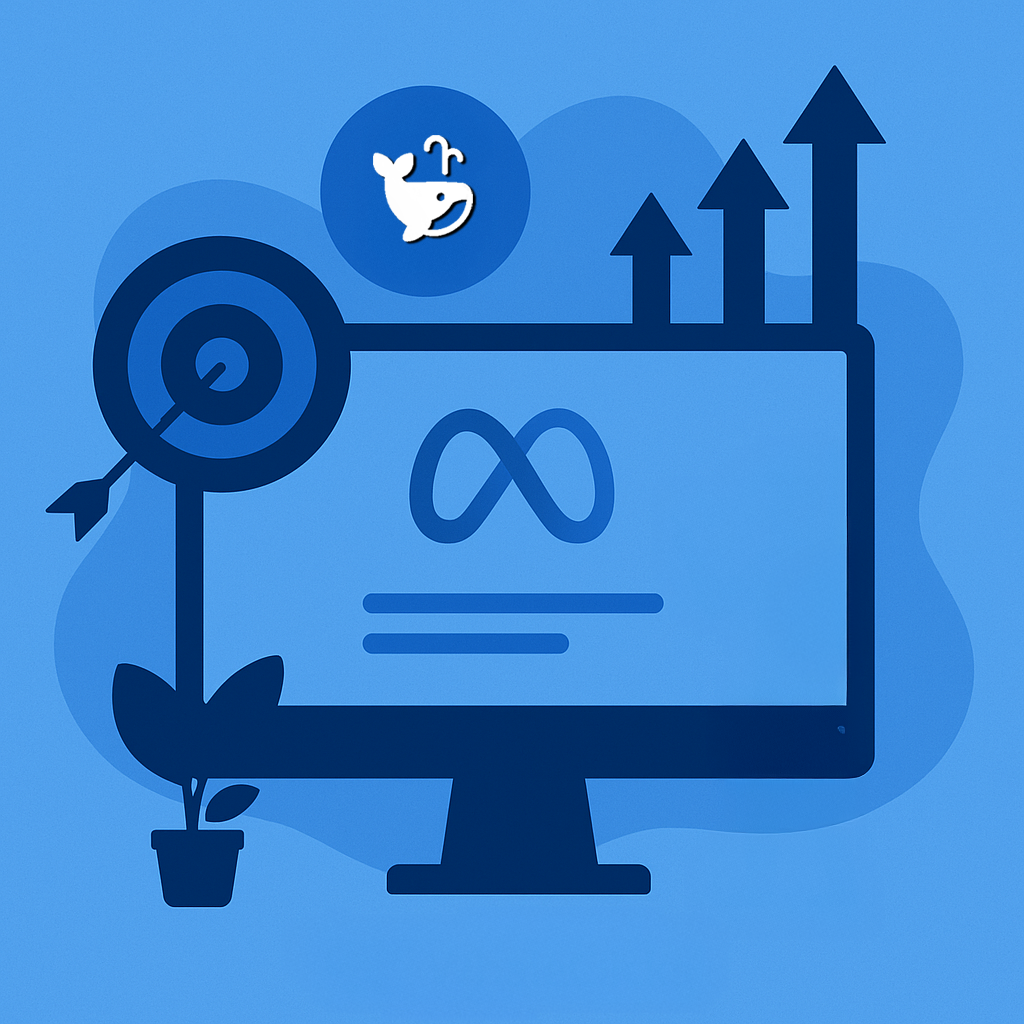
Believe it or not, Meta Ads is still a good place to reach founders, operators, and decision-makers who aren’t actively searching but fit your ICP precisely. Meta’s strength used to be audience targeting; now it’s more about creative-driven reach, and its weakness is attribution, which is why your server-side integration matters so much here. Meta’s Conversions API (CAPI) via server-side tracking is designed to eliminate signal loss due to iOS and browser restrictions. Without it, Meta’s algorithm is flying partially blind, which means your CPL data is partially wrong, which means your optimization decisions will be uninformed.
LinkedIn Ads
The B2B channel par excellence. It’s expensive, targeted, and worth every penny when used correctly, which means running it with clear targeting by job title, company size, and industry rather than spraying broadly and wondering why your leads look like they’re trying to buy a used car. LinkedIn’s Insight Tag should be installed via GTM, and its conversion events should be defined precisely. Most importantly, LinkedIn should be understood for what it is: a top-of-funnel and mid-funnel channel that warms audiences and drives demo requests from buyers your other channels don’t reach, not a direct-response machine that closes deals on first contact.
The Configuration That Ties All Of This Together
All your ad platforms should receive conversion signals from your server; every lead should flow into your HubSpot CRM with source attribution; and your GA4 should have visibility into it all. When this setup is working correctly, you can answer the questions that actually matter: which channels produce customers worth having.
How to Actually Build This Digital Marketing Tech Stack (The Right Sequence)
The sequence matters as much as the individual components, and almost everyone gets it backward. Start with your growth model before you touch any platform. Define your ideal customer profile with specificity, define your primary acquisition channels, and define your sales motion. For most B2B SaaS startups, the combination of SEO (tracked in Search Console), inbound from content marketing, and selective paid media via Google Ads and LinkedIn works best. But that answer should come from your market, not from what worked for another startup.
You must map your core funnel before you configure anything: From traffic to leads, from leads to opportunities, and from opportunities to paid customers. For each customer lifecycle stage, document what action happened, what tools tracked it, and what data was collected. This exercise will almost certainly reveal that your current tracking captures some stages clearly and others not at all.
Now begin configuring your tools in the correct order. Start with GTM first; this is the infrastructure everything else depends on. Set up GA4 and Search Console next so you can track behavioral data and organic intelligence immediately. Then configure your ad platform tags (Google Ads, Meta CAPI, LinkedIn Insight Tag) through GTM and add server-side tracking as the backbone. Add HubSpot last, hook up its forms to your CTA landing pages, and configure it to receive and retain attribution data from every channel. This order matters because each layer needs the previous one to function correctly.
Then connect everything. This is where most startups fail – not in the tool selection, but in the integration. HubSpot should be integrated with your website. Google Ads should receive offline conversion data from HubSpot (either automatically or manually). Meta and LinkedIn Ads should be receiving server-side signals. Your GA4 should be connected to your Search Console. When all of these connections are happening, your digital marketing tech stack starts to resemble a powerful system designed to boost your conversions and revenue.
Finally, build feedback loops. Every week, your stack should tell you which channels are driving qualified leads, which campaigns are converting, and where leads are dropping off. If you cannot answer those questions reliably, something in the tracking layer is broken.
Here’s a How-To / Quick Guide For The Ideal Digital Marketing Tech Stack Your SaaS Startup Needs
The Tracking Foundation:
How to Set It Up Right
Most SaaS digital marketing problems aren’t channel problems, they’re tracking problems. This is your step-by-step guide to the eight tools that form the foundation of a digital marketing tech stack that actually tells you the truth.
Why this matters: If any individual layer is broken, every decision downstream is built on sand. Get it right once and every channel, campaign, and optimization call you make becomes dramatically more reliable.
Correct Implementation Order
Each layer depends on the previous one. Skipping ahead creates gaps that break attribution and your ability to make confident decisions.
GTM is the control centre that sits between your website and every other tool in your stack. Instead of adding tracking snippets directly to your website’s code and thus creating an IT bottleneck, Google Tag Manager routes everything through a single GTM container. When something breaks, you can fix it in one place. When you add a tool, you can deploy it without asking your IT team to update code on your website.
<head> snippet and the <body> noscript fallback.GA4 is your behavioural layer. It tell you which pages drive conversions, your traffic sources, and where your users exit before taking action. But the defaults tell you almost nothing useful. Configuration tells you everything. Most SaaS teams install GA4 and leave it unconfigured, then wonder why the data doesn’t support decisions.
Search Console is the only tool that tells you what queries your pages rank for, what your click-through rates look like, where you’re sitting on page one versus page two (the graveyard), and which pages have indexing issues silently costing you traffic. Check it weekly, not monthly.
Standard browser-side tracking is increasingly broken by ad blockers, iOS privacy changes, and browser restrictions that are only getting tighter. Server-side tracking moves data collection to your own server before sending signals to Google, Meta, and LinkedIn. The result: more complete conversion data, better audience matching, and attribution that reflects reality rather than an increasingly censored version of it.
track.yourdomain.com). This is what makes it your first-party data.HubSpot is your system of record for everything that happens after someone raises their hand. Every lead (from organic, Google Ads, Meta, or LinkedIn) should arrive in HubSpot with source attribution intact. Most teams set this up lazily and regret it thoroughly. When your CRM tells you which channels produce your best customers (not just your most leads), you have an optimisation advantage no single-channel dashboard can match.
Google Ads is your intent-capture channel. The critical integration is feeding offline conversions back from HubSpot so the algorithm optimizes for actual pipeline and revenue, not form fills that may go nowhere. Without this, you’re training an expensive algorithm on the wrong signal.
"free", "jobs", and competitor brand terms you don’t want to chase all belong here.Meta’s current strength is creative-driven reach at scale. Its weakness is attribution, which is exactly why your server-side Conversions API integration matters so much. Without CAPI, Meta’s algorithm is optimising on incomplete data, your CPL numbers are partially wrong, and your decisions are partially uninformed. This is a solvable problem that most SaaS teams don’t solve until they’ve already burned significant budget.
LinkedIn is the B2B channel that is expensive, precisely targeted, and genuinely worth it when used correctly. “Correctly” means ICP-specific targeting by job title, seniority, company size, and industry, not broad interest-based targeting dressed up as B2B strategy. LinkedIn reaches buyers your other channels don’t. It is a top-of-funnel and mid-funnel channel that warms audiences and surfaces qualified demo requests. It is not a direct-response machine that closes deals on first contact, and expecting it to be one is how you waste enterprise CPCs.
Need help implementing this stack?
WhaleClicks works with SaaS startups as a Fractional CMO, providing digital marketing strategy, and execution that compounds. Use the button below to book a free strategy call with a Fractional CMO.
Why Even a Perfect Digital Marketing Tech Stack Breaks Down Without Strategic Leadership
Here is where things usually fall apart, and it’s the part nobody mentions in the tool comparison roundups. Even with the right digital marketing tech stack correctly integrated, startups consistently struggle with system design, channel prioritization, and interpreting what GA4 and HubSpot are actually telling them. These are not tool problems; they’re leadership problems. This is exactly where a fractional CMO for SaaS changes the equation.
A fractional CMO doesn’t just run campaigns. Their main focus is to design a growth system, then align the tools with this growth strategy after identifying what’s driving real revenue versus what’s generating impressive-looking dashboard activity (vanity KPIs). This eliminates wasted spend that is almost certainly larger than any founder wants to admit. Without the strategic layer a fractional CMO brings, your digital marketing tools remain disconnected, your teams stay reactive, and your growth remains inconsistent.
The One Question That Changes Everything
You need to stop asking, “What digital marketing tools do we need?” That question leads to a procurement exercise dressed up as a strategy. Start by asking, “What system are we building?” Because GA4 alone isn’t a strategy. HubSpot alone isn’t a strategy. Google Ads, Meta Ads, and LinkedIn running simultaneously without unified attribution isn’t a strategy; it’s an expensive experiment. Tools alone don’t scale. Systems do.
Ready to Stop Guessing and Start Scaling?
If your CAC is rising without a satisfying explanation, if your channels are producing activity but not compounding, if your GA4, your HubSpot, and your ad platforms are each telling a slightly different story that somehow never adds up, you don’t need more tools. You need a digital marketing tech stack system built correctly and someone with the strategic judgment to build it.
At WhaleClicks, we work with SaaS startups, helping founders design scalable marketing systems, implement and connect the right stack, and turn marketing from a collection of subscriptions into a compounding growth engine. Need help implementing this? That’s exactly what our Fractional CMO service is built for. If you’re ready to build a digital marketing system that compounds over time, let’s talk.